What I am building
I am building PhialeGrid because rendering cells is not the hardest part of a business grid. The hard part is managing state, edits, change commits, and backend interactions. A shared Core handles behavior, while WPF and Avalonia frontends handle native events and rendering. It is a work in progress, not a publicly released product.
One engine, two UI frameworks
Rather than implementing the same grid rules separately for WPF and Avalonia, I am developing a shared Core. It handles grid behavior while platform-specific layers take care of native events and rendering. This lets me evolve and test the component’s behavior in one place. Native events from both platforms are translated into the shared UniversalInput protocol (details on the PhialeTech page).
Virtualization: a million records, a few dozen on screen
The grid does not process or draw all records at once, only the part of the table the user currently sees. View virtualization means that instead of creating thousands of controls for every cell, the grid draws the visible rows and columns and updates that small area as you scroll. Data virtualization, when the data source supports it, fetches only the data fragments that are needed and keeps some of them in a cache. As a result a table can represent up to a million records while showing a few dozen on screen, and the cost of drawing depends mainly on the size of the visible area. One of the tests covers one million logical positions with 50 fetched records. This does not make every operation equally fast: sorting, filtering and summarizing the whole dataset still require work in the local Core or on the server.
Editing is not the same as saving
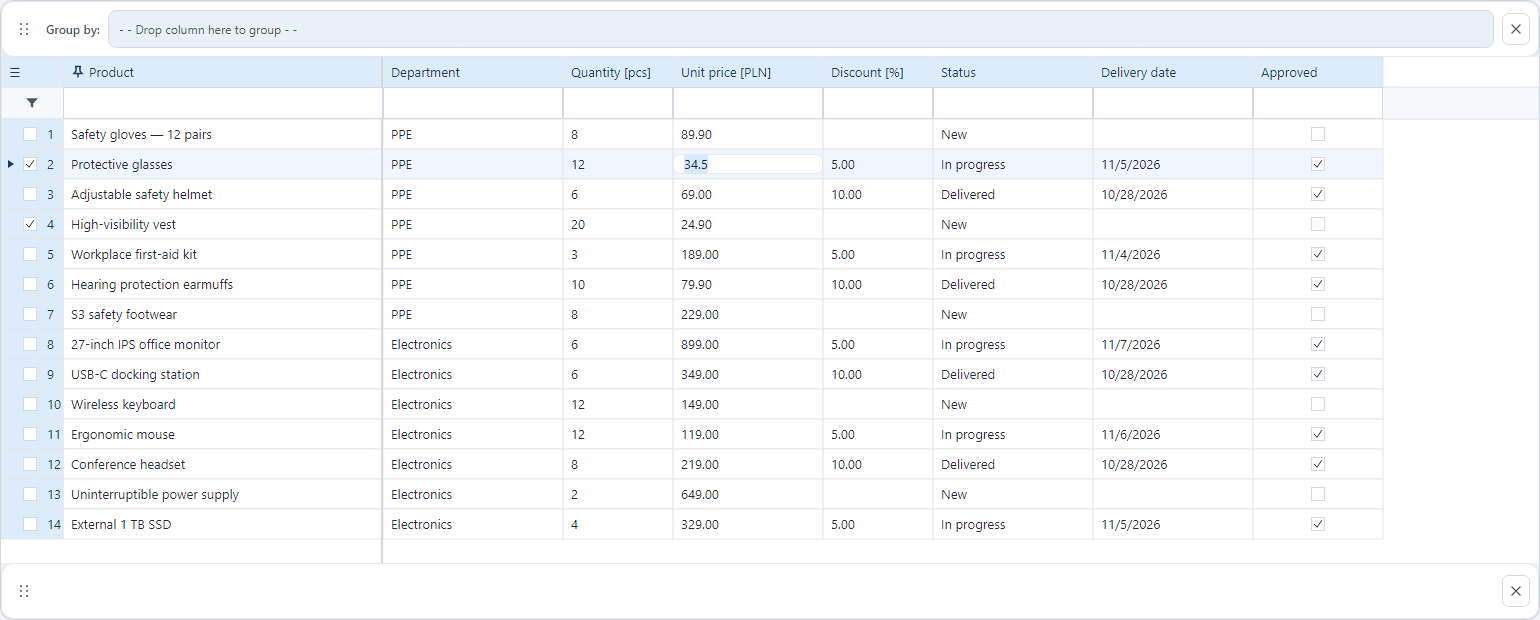
I separate cell editing, staging changes, and committing them to a backend. The session model covers versions, conflicts, partial results, and retries. The control does not replace transactionality or idempotency that must be provided by a server.
Grouping and summaries
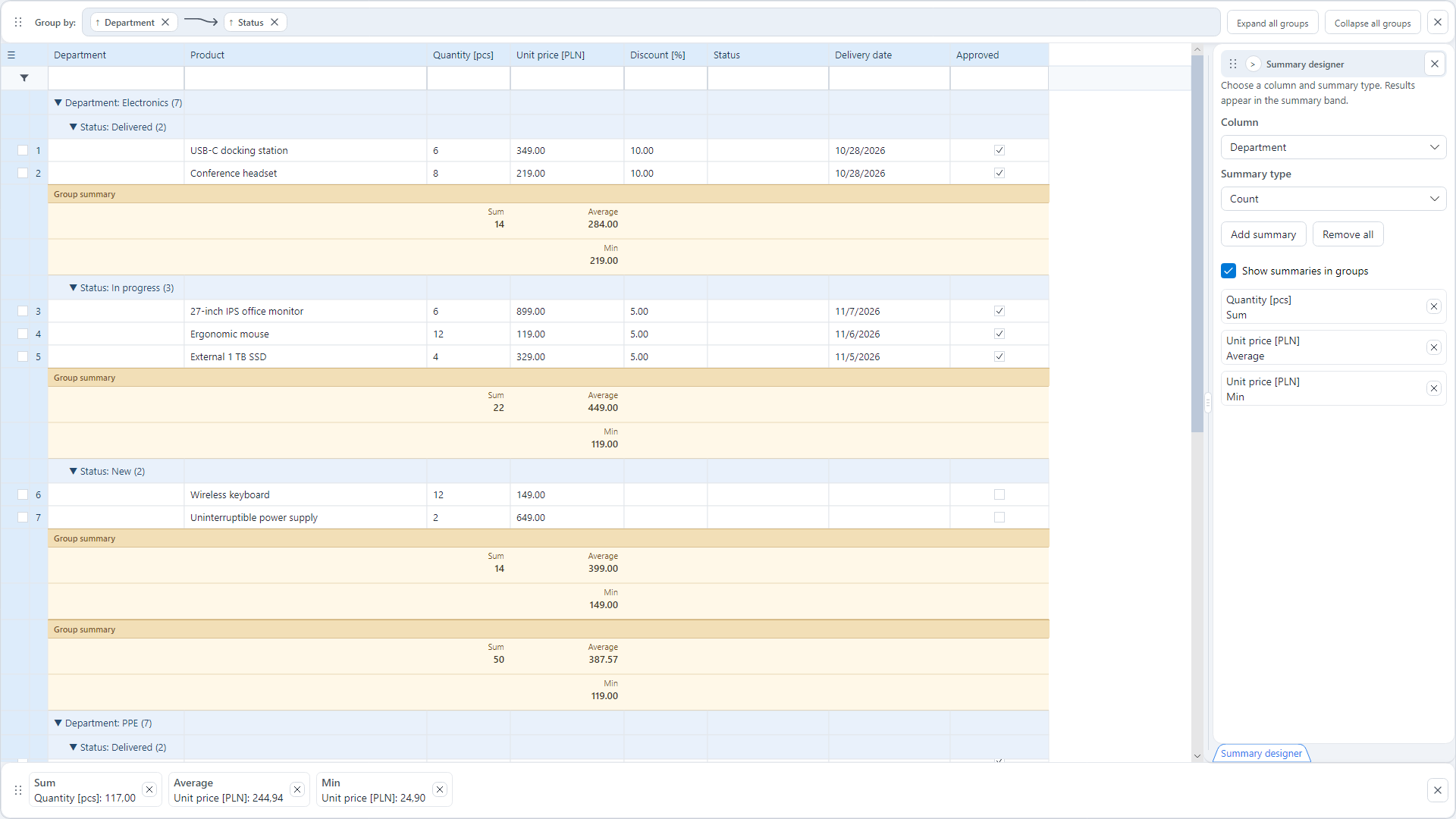
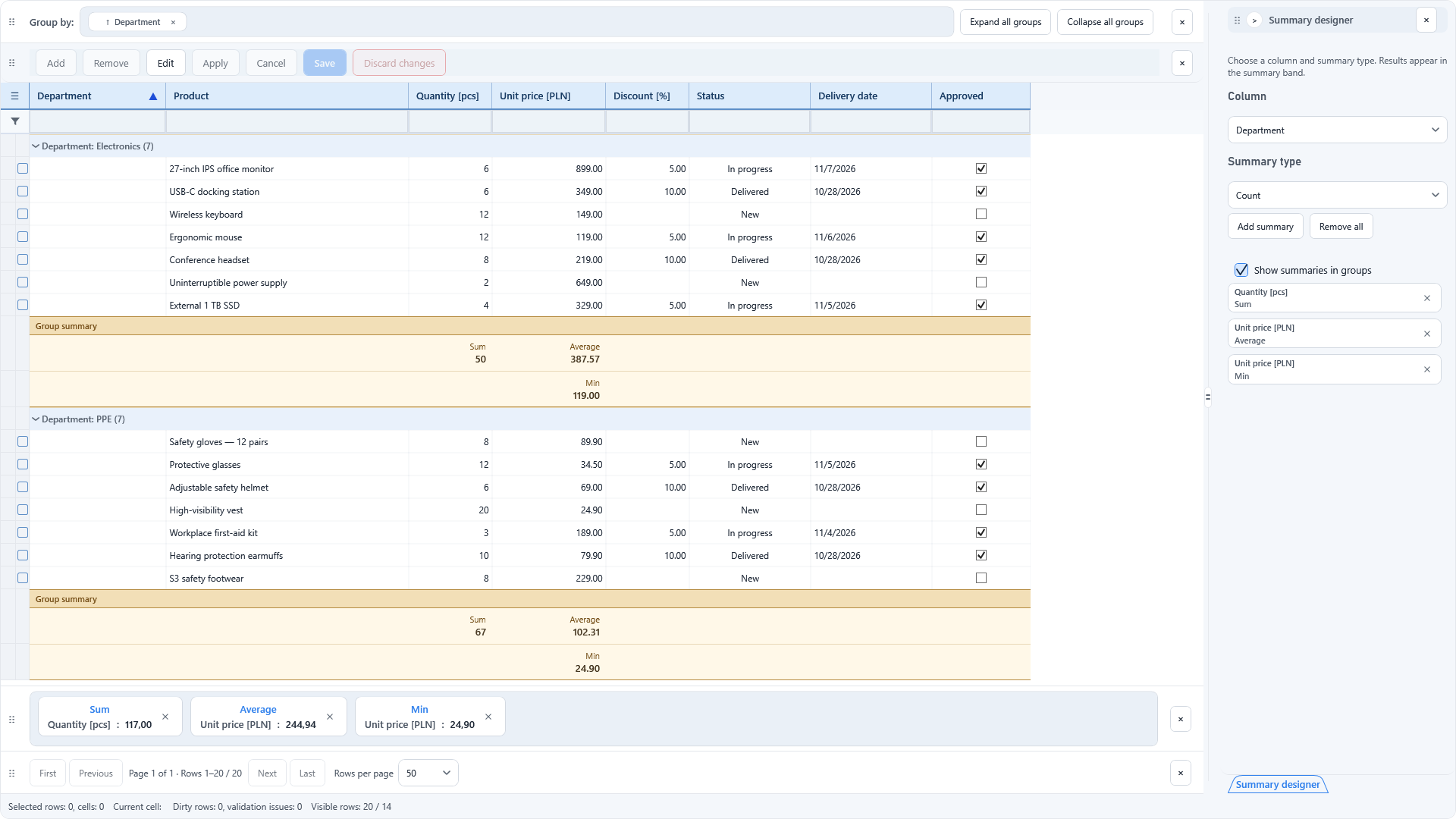
The grid supports multi-level grouping, expanding and collapsing groups, and choosing how to summarize them. Users can select a column and add several aggregates, such as count, sum, and average. Results appear in dedicated, readable summary blocks rather than being crammed into a single cell.
Project scope
- View and data virtualization: up to a million records, a few dozen on screen
- Working WPF and Avalonia implementations built around shared behavior
- An isolated runtime and state for each control instance
- UniversalInput: framework-neutral input events
- Change sessions distinguish editing, staging, and backend commits
- Grouping with multiple aggregates for one column
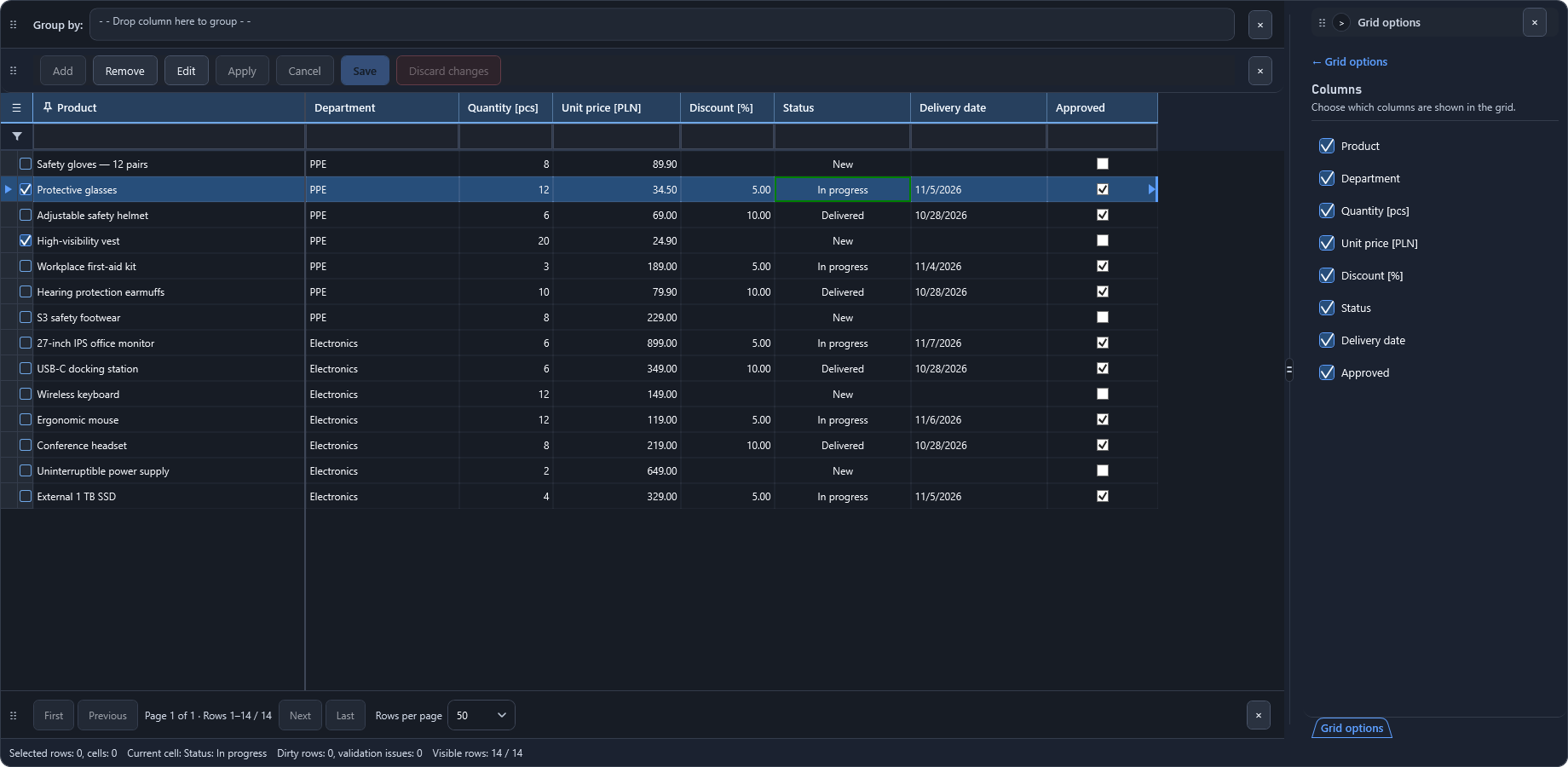
- Day, night and high-contrast themes
Permissions in the interface
Grid capabilities, such as column reordering or editing summaries, can be limited by a component manifest and user permissions. This is work in progress; details on the PhialeTech page.
Article about PhialeGrid
The decisions behind the shared Core, change sessions and grouping, with WPF and Avalonia screenshots.
Read the article ↗PhialeTech.Platform repository (historical snapshot, proprietary code) ↗